Guide
Reading a GPU spec sheet: which numbers actually matter
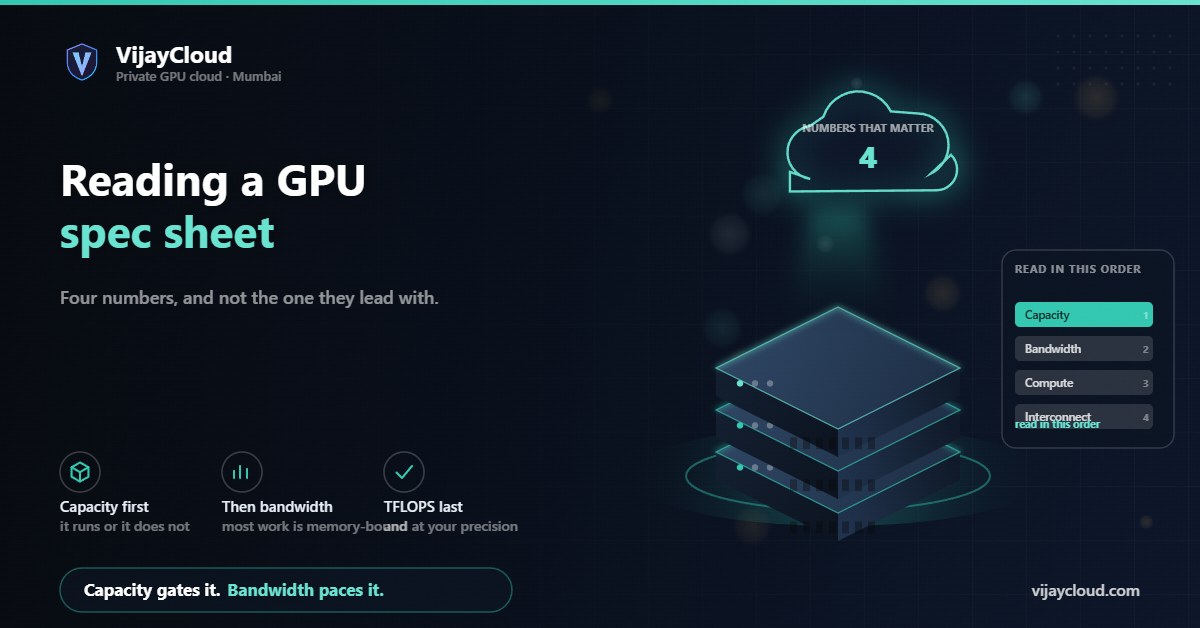
Spec sheets are written to make every card look impressive. Four numbers decide whether a card suits AI work, and the one most people lead with is not among the most important.
- Topic
- Hardware selection
- Reading
- About 9 minutes
- Published
- 2 August 2026
- Applies to
- Anyone comparing GPUs
Contents
The short version
Check capacity first, because it decides whether your job runs at all. Then bandwidth, because most AI work is memory-bound rather than compute-bound. Only then look at TFLOPS, and only at the precision you will actually use. Interconnect matters only if you will use more than one card.
01Why the sheet misleads
A GPU spec sheet is a marketing document with accurate numbers in it. Both halves of that sentence matter.
The numbers are real. What misleads is selection and emphasis: the headline figure is chosen because it is impressive, quoted at the precision that flatters the card, and often measured with sparsity assumptions that will not hold for your workload.
So the skill is not scepticism about the figures but knowing which four to read, and in what order. That order is the opposite of how sheets are usually laid out.
02VRAM is the gate
Memory capacity is first because it is binary. A job either fits or it does not, and a card that cannot hold your training step is not a slower option — it is not an option.
This is the whole reason our guide on sizing VRAM exists, and why the choice between a 16 GB and a 40 GB card is usually settled before any performance discussion begins.
Two details on the sheet that matter here and are easy to miss. ECC support: data-centre cards can detect and correct memory errors, consumer cards generally cannot, and on a multi-day training run that is a real difference in whether a silent corruption ends your job. Whether the figure is per card or per board: some products present two GPUs as one unit, and the aggregate number is not memory your single job can address.
03Memory bandwidth, the underrated number
This is the number we would put second, and it is the one most buyers skip.
Large-model work is dominated by moving weights and activations between memory and the compute units. For single-stream inference in particular, generation speed is largely governed by how fast the weights can be read, not by how fast the arithmetic can be done. A card with abundant compute and modest bandwidth will sit idle waiting for data.
| Memory | Typical bandwidth range | Usually found on |
|---|---|---|
| HBM (high-bandwidth memory) | On the order of 1 to 2 TB/s and above | Data-centre accelerators |
| GDDR6 / GDDR6X | Roughly 300 to 1,000 GB/s | Workstation and consumer cards |
Those are ranges rather than promises, and they move with each generation — check the specific model. The point is the order-of-magnitude gap between memory technologies, which matters more for inference throughput than a comparable gap in advertised TFLOPS.
A useful sanity check
Divide bandwidth by the size of your model in bytes. That gives a rough ceiling on tokens per second for single-stream generation, before any software overhead. If the number is far below what you need, more compute will not rescue it.
04TFLOPS, and why precision qualifies it
Compute throughput matters, but a bare TFLOPS figure is close to meaningless without three qualifiers.
At what precision? A card’s FP32, TF32, BF16, FP8 and INT8 numbers can differ by more than an order of magnitude. Quote the one you will actually train or serve in — for most current work that is BF16 or FP16, and for quantised serving it may be INT8 or lower.
With or without sparsity? Headline figures often assume structured sparsity that your model probably does not have. Where a sheet quotes both, the lower number is the one to plan around.
Dense tensor-core or general? Peak tensor throughput applies to operations that map onto those units. Everything else runs on the general path at far lower rates.
Compute decides how long a run takes once it fits and once data can be delivered. That makes it the third question, not the first.
05Interconnect, if you will use more than one card
If you will only ever use a single GPU, skip this section entirely — and most teams should, for longer than they expect.
For multi-GPU training, the link between cards becomes a first-order constraint because gradients are exchanged every step. A dedicated GPU-to-GPU fabric moves that traffic far faster than routing it over the host bus, and the gap widens as model size grows.
The sheet will name the technology and quote a bandwidth. What it will not tell you is the topology — whether every card connects to every other, or through a switch, or in a ring — and that shapes real scaling more than the headline figure. It is a question for the provider rather than the datasheet, which is why it appears on our list of questions to ask.
06What the sheet never tells you
Four things decide real-world performance and appear on no spec sheet.
- Sustained versus boost clocks. Sheets quote peak. Under a multi-hour training load a card settles to whatever its thermal and power envelope allows, which is why watching thermals explains slow runs that have no software cause.
- Whether the card is yours alone. A shared or time-sliced allocation delivers a fraction of the sheet, unpredictably. Our post on what dedicated actually means covers how to verify this.
- The rest of the machine. A fast GPU behind a slow disk or an under-provisioned CPU runs at the speed of the slow part.
- Driver and library maturity. A newer architecture with immature kernel support can underperform an older, well-optimised one on your specific framework version.
07A shopping order
In sequence. Each step either eliminates cards or stops mattering.
- Capacity. Compute your memory requirement, then discard every card that cannot hold it. This usually removes most of the list.
- Bandwidth. Among survivors, check bandwidth against your model size. For inference-heavy work this is often the deciding number.
- Compute, at your precision. Now compare throughput, at the precision you will use, without sparsity assumptions.
- Interconnect, only if you will genuinely use more than one card.
- Ask about everything the sheet omits — tenancy, sustained clocks, storage, CPU, and what the provider will actually commit to.
Our plans use a 16 GB RTX card and a 40 GB A100. If you would like the specific model and its bandwidth confirmed against your workload before you commit, ask: contact@vijaycloud.com.
Leave a Reply