Explainer
What “dedicated GPU” actually means, and how to check
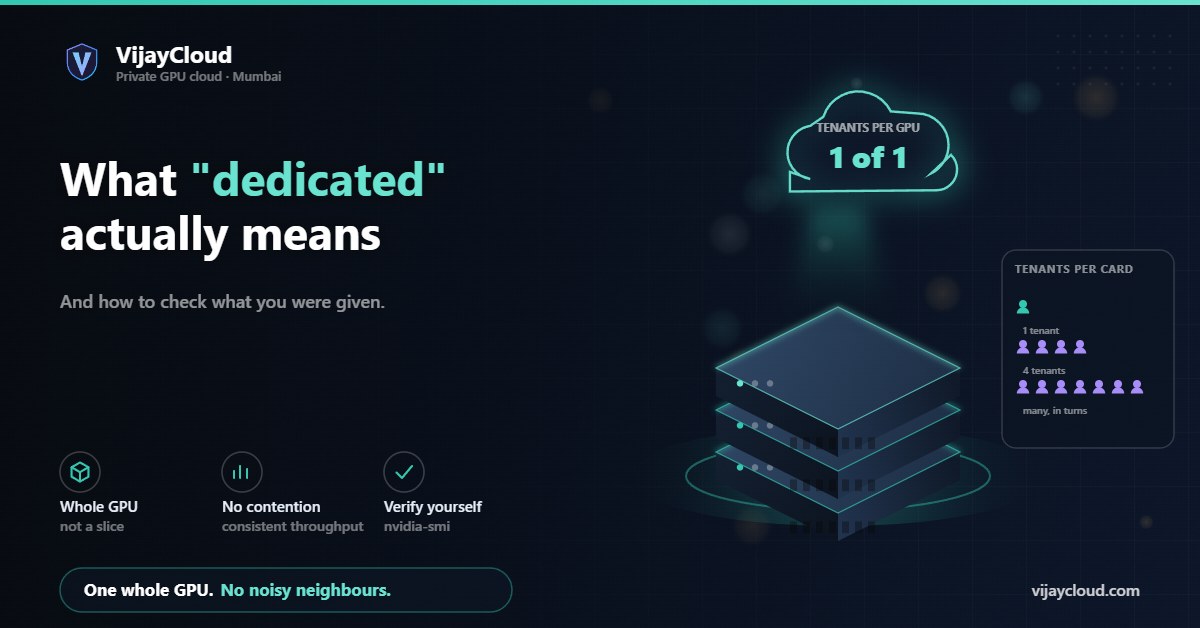
Four very different arrangements get sold under the same word. The difference shows up in your throughput variance, not in the marketing copy.
- Topic
- Tenancy
- Reading
- About 5 minutes
- Published
- 31 July 2026
- Verify with
- nvidia-smi
Contents
The short version
Ask the provider one question: is the physical GPU allocated only to me for the duration of my subscription, yes or no? If the answer needs a paragraph, it is a no.
01Four arrangements, one word
| Arrangement | What you get | What varies |
|---|---|---|
| Dedicated passthrough | A whole physical GPU mapped to your instance | Nothing — throughput is yours |
| MIG partition | A hardware-isolated slice of an A100 or newer | Predictable, but smaller than the full card |
| Time-sliced vGPU | Scheduled turns on a shared card | Throughput moves with your neighbours |
| Oversubscribed | More tenants promised than the hardware serves | Everything, unpredictably |
All four are legitimate products. Only the first two give you numbers you can plan around, and only the first gives you the whole card. The problem is that all four are commonly described as “dedicated GPU”.
02Why it matters more than it sounds
The obvious cost is speed. The less obvious and more expensive cost is variance.
On a shared card, the same script on the same data takes different times on different days. That breaks the thing you most need while developing a model: the ability to change one variable and trust the result. You tune a learning rate, the epoch runs 30% slower, and you cannot tell whether you learned something about your model or something about somebody else’s job.
It also quietly corrupts cost estimates. If you benchmark on a quiet afternoon and extrapolate a two-week training run, a noisy neighbour turns your budget into fiction.
03How to check what you are actually on
You do not have to take anyone’s word for it. From inside the instance:
nvidia-smi -Llists the visible devices. A MIG slice announces itself as a MIG device rather than a full card.nvidia-smi -qand look for the virtualization mode. Passthrough and vGPU report differently.nvidia-smiprocess list. On a genuinely dedicated card you see your processes and nothing else. Seeing utilisation you cannot account for is the tell.- Repeat a fixed benchmark. Run the same short job ten times across a day. Tight clustering means you have the card. Spread means you are sharing it.
That last one is the most reliable, because it measures the thing you actually care about rather than what the driver reports.
04Questions worth asking any provider
- Is the physical GPU allocated solely to my instance for the whole subscription?
- If it is a partition, which one, and what is the memory and compute share?
- Can my instance be live-migrated or preempted, and do I get notice?
- What is the oversubscription ratio on the host?
- What exact GPU model and memory configuration — an A100 comes in 40 GB and 80 GB, and they are not interchangeable.
Our answers, for the record: dedicated passthrough for the duration of your subscription, no time-slicing, no partitioning, no preemption. The specific card and memory for each plan is on the pricing page, and the commitment is written into Terms §3 rather than left to a sales conversation.