Guide
The utilisation problem: why most GPU spend is wasted
Industry surveys keep finding average GPU utilisation in the single digits. That is not a procurement failure so much as a planning one, and it is measurable before you buy.
- Topic
- Capacity planning
- Reading
- About 8 minutes
- Published
- 4 August 2026
- Applies to
- Anyone budgeting GPU capacity
Contents
The short version
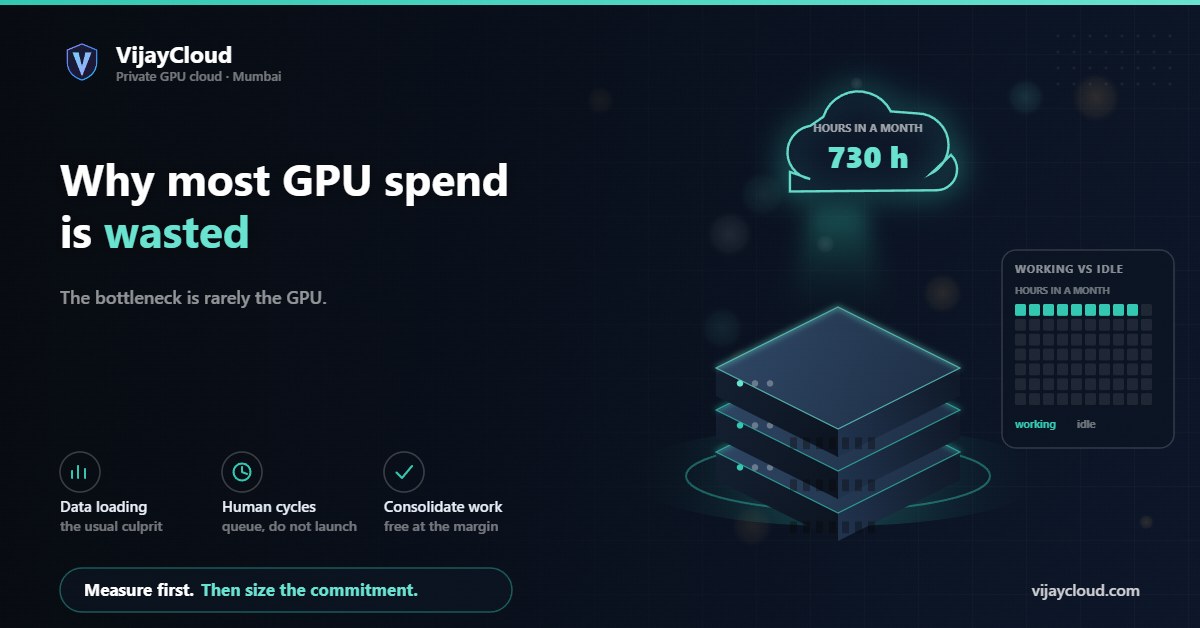
A GPU you hold is either working or wasting. Most organisations discover after purchase that their cards sit idle far more than expected, because the bottleneck is rarely the GPU: it is data loading, human review cycles, and work that was never scheduled. Measure utilisation on a trial before sizing a commitment.
01The number nobody plans for
Every capacity conversation starts with throughput: how many tokens per second, how long a training run takes, which card is faster. Almost none of them start with the question that decides the economics — what fraction of the month will the card actually be computing?
Published estimates of average enterprise GPU utilisation are consistently low, often in the single digits to low tens of per cent. Whatever the precise figure for any one organisation, the direction is not controversial: most held GPU capacity is idle most of the time.
That matters more under a reserved model than a per-second one. If you rent by the second, idleness costs nothing directly — it just means you are paying a premium rate for the hours you do use. If you hold a card by the month, idleness is the whole waste, and it is invisible unless you measure it.
02Where the idle time actually goes
In our experience the GPU is rarely the bottleneck. The common causes, roughly in order of how much time they consume:
- Data loading and preprocessing. A training loop that waits on disk or on CPU-side tokenisation can leave the GPU at a fraction of its capability while appearing “busy”. This is the single most common and most fixable cause.
- Human cycles between runs. A run finishes at 2am, someone looks at it at 10am, the next run starts at 2pm. Eight hours of compute, twelve hours of nothing, and no technical fault anywhere.
- Work that was never scheduled. Evaluation suites, batch inference over a backlog, data preprocessing, hyperparameter sweeps — all GPU-shaped work that sits undone because nobody queued it.
- Sizing for the peak. Capacity bought for a quarterly training push sits idle for the rest of the quarter.
- Memory-bound serving. An inference service can be at its concurrency ceiling from KV cache pressure while the compute units are largely idle. The card is full but not working.
03Utilisation is not one number
“GPU utilisation” as reported by monitoring tools is a coarse signal, and treating it as the whole picture leads to wrong conclusions.
| Measure | What it tells you | How it misleads |
|---|---|---|
| Occupancy over time | What share of the month a job was running at all | A job that runs slowly still counts as occupied |
| Compute utilisation | Whether the arithmetic units are busy while a job runs | Can read high during inefficient work |
| Memory utilisation | How much VRAM is committed | A full card can be doing very little |
The number that decides your economics is the first: hours of real work per month. The other two tell you whether those hours were efficient, which is a separate and later question.
04Measuring before you commit
The measurement is straightforward and worth doing before any sizing decision.
- Take a single card for one month. Not a benchmark — your real workload, with your real team and their real working patterns.
- Log occupancy hourly. Whether a job was running, not how fast. A simple sampled log is enough.
- Total the hours at month end and divide by the roughly 730 hours in the month.
- Look at the gaps. The pattern of idleness tells you which cause from section two applies to you, and therefore which fix is available.
Why we suggest this before you buy from us
Our plans reserve a card to you for the month, so low utilisation is your loss rather than ours. We would rather you measured it on a trial month and chose deliberately. The first month carries a money-back window precisely so that measurement is not a gamble.
05Raising utilisation without buying anything
Most organisations can move this number substantially without any hardware change.
Fix the data pipeline first. If preprocessing runs in the training loop rather than ahead of it, you are paying GPU rates for CPU work. Pre-tokenise, cache to fast local storage, and check that the loader has enough workers to stay ahead of the device.
Queue work, do not launch it. A simple job queue converts the twelve idle hours after a 2am finish into the next experiment. This single change is often worth more than any other.
Consolidate GPU-shaped work. Evaluation runs, batch inference, embedding generation and sweeps all belong on the card. On a reserved plan their marginal cost is nothing, which changes what is worth doing at all.
Batch the human loop. If review gates every run, run several variants concurrently and review them together rather than serially.
06What good looks like
We would not put a target number on this, because the honest answer depends on what you do. Some patterns:
Steady inference serving can approach continuous occupancy, because traffic arrives around the clock. Iterative research is inherently bursty and rarely exceeds moderate utilisation without deliberate queueing. Batch pipelines sit in between and respond best to scheduling.
The useful question is not whether you hit a benchmark but whether the number is going up. If you measure it, most teams find enough recoverable waste in the first month to change what capacity they need.
Our guide on how monthly billing changes the arithmetic covers the other side of this: what a reserved card is worth once you do keep it busy.
If you want help working out which of the causes above applies to your setup, describe the workload: contact@vijaycloud.com.
Related: Monthly GPU billing · Questions to ask a provider · Pricing
Leave a Reply