Guide
What a fine-tune actually costs when the GPU is billed by the month
Hourly cloud GPUs make you ration experiments. A flat monthly card removes that, but only pays off if you keep it busy. Here is the arithmetic, with our own numbers.
- Topic
- Cost modelling
- Reading
- About 7 minutes
- Published
- 3 August 2026
- Applies to
- Starter, Professional
Contents
The short version
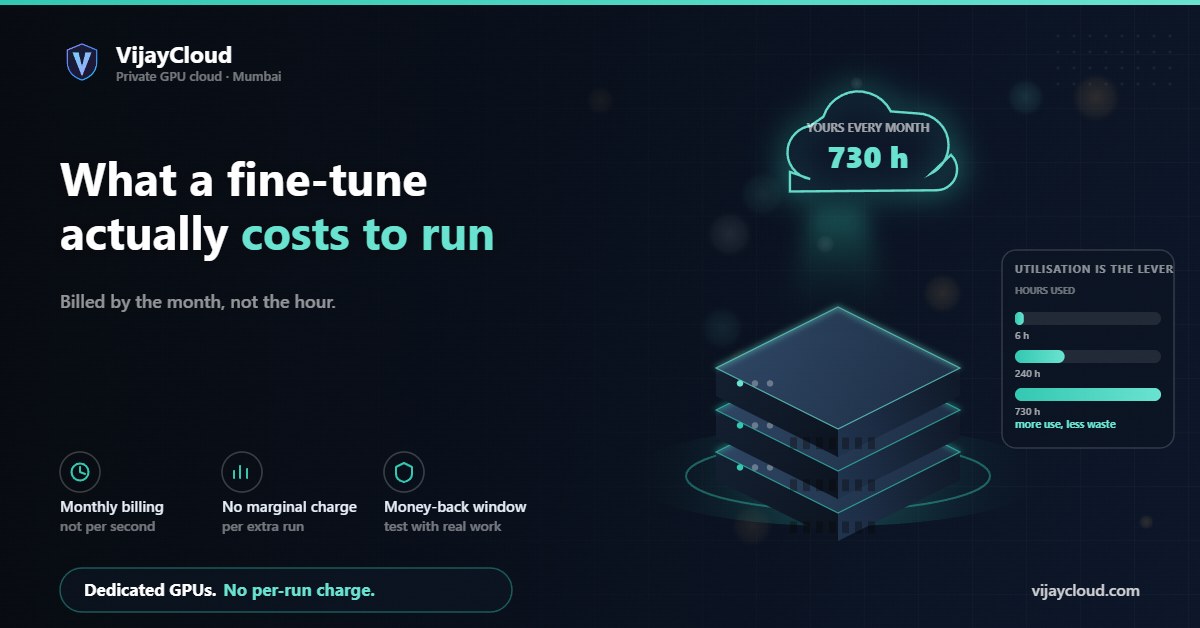
A Professional plan is USD 599 a month for a dedicated A100 40 GB. If the card runs all month that is about 82 cents per GPU-hour. If you use it for six hours it is about 100 dollars per GPU-hour. Nothing about the invoice changes — only how much work you got for it. The flat model is a bet on your own utilisation.
01The billing unit is a month, not an hour
Most GPU clouds bill per second or per hour, which trains a particular habit: you think hard before launching a run, because every experiment has a visible price. That habit is expensive in a different way. People batch changes they should have tested separately, skip ablations, and reach conclusions from one run because a second one felt wasteful.
Our plans work differently. Starter is USD 149 a month for an RTX card with 16 GB of VRAM. Professional is USD 599 a month for an A100 with 40 GB. In both cases the GPU is allocated to you and nobody else, for the whole month, whether you use it or not. Billing is monthly in advance, in USD, with no setup fee and no lock-in.
That single difference changes how you should reason about cost. There is no per-run price to add up. There is one number, and a question: how much did you get done inside it?
02Effective cost per GPU-hour
To compare against an hourly quote, divide the monthly price by the hours the card was actually working. An average month is about 730 hours.
| Hours worked in the month | Starter (USD 149) | Professional (USD 599) |
|---|---|---|
| 6 hours — one short run | USD 24.83 | USD 99.83 |
| 24 hours | USD 6.21 | USD 24.96 |
| 100 hours | USD 1.49 | USD 5.99 |
| 240 hours — eight hours a day | USD 0.62 | USD 2.50 |
| 480 hours — sixteen hours a day | USD 0.31 | USD 1.25 |
| 730 hours — continuously | USD 0.20 | USD 0.82 |
Take whatever on-demand rate you have been quoted for a comparable card and find your break-even row. That is the honest comparison, and it is the one we would rather you made before signing up than after.
03The number that actually matters
Per-hour maths is useful for comparison shopping and misleading as a way to run a project, because on a flat plan the marginal cost of one more experiment is zero.
Say you are QLoRA fine-tuning a 12B model and a run takes eight hours. Measure your own — it depends on dataset size, sequence length and how much you have tuned the data loader. On an hourly service, three runs cost three times one run, so you plan carefully and accept the first result that looks reasonable. On a monthly plan, the third run and the thirtieth cost the same as the first: nothing extra. You can afford to be rigorous.
So the question is not what a fine-tune costs. It is how many fine-tunes fit inside the month you already paid for. If you can keep the card near-continuously busy with real work, a dedicated A100 at USD 599 is difficult to beat. If you cannot, read section five before you buy.
04What else a run consumes
GPU time is the headline, but a training job is not only GPU time. Two other resources come out of your plan.
Storage. Starter includes 500 GB of NVMe, Professional 2 TB. That has to hold your dataset, your environment and every checkpoint you keep. Checkpoints are the item people underestimate: a 12B model saved in bf16 is roughly 24 GB, so keeping ten full checkpoints is 240 GB before the dataset. LoRA and QLoRA adapters are far smaller — tens of megabytes — which is a practical argument for adapter-based tuning beyond the memory one.
Egress. Bandwidth out is fair use. Pulling a 24 GB checkpoint down once is unremarkable; syncing every epoch to a bucket somewhere else is a different pattern, and beyond fair use it is quoted per GB.
Both are worth a moment of planning, because both are quietly influenced by choices you make in the first hour of a project.
05When flat-rate is the wrong shape
We would rather say this plainly than have you work it out after a month.
A monthly dedicated card is the wrong purchase if your workload is genuinely spiky — one short fine-tune a quarter, or a burst of inference around a launch and nothing between. At six hours of use, the top row of that table applies, and per-second billing elsewhere will beat us comfortably. Flat-rate pricing rewards steady utilisation and punishes idleness; there is no way to dress that up.
Three things to consider before concluding the shape is wrong:
- Consolidate the work. Teams often have more GPU-shaped work than they realise — evaluation runs, data preprocessing, batch inference, a notebook someone keeps meaning to run. On a dedicated card all of it is free at the margin.
- Start on Starter. At USD 149 the break-even against an hourly A100 arrives much sooner, and 16 GB handles more than people expect if you are using QLoRA. Our guide on choosing between 16 GB and 40 GB covers where the line falls.
- Use the guarantee. The first month carries a 14-day full refund. Run your actual workload, look at your own utilisation, and decide with data instead of an estimate.
06What we quote rather than list
Some things are deliberately not on the pricing page as a fixed number, because a fixed number would be a guess at your workload. Each is quoted before you incur it, never applied silently:
| Component | Included | Beyond that |
|---|---|---|
| NVMe storage | 500 GB Starter, 2 TB Professional | Quoted per GB per month on request |
| Egress bandwidth | Fair use | Quoted per GB on request |
| GPU hours | Your dedicated GPU, 24/7 | Additional capacity quoted per GPU-hour |
| Additional instances | One per subscription | Billed as a further subscription at plan price |
Heavier or unusual workloads — multi-GPU clusters, bare-metal, storage past what a plan includes — are the Enterprise conversation, configured per workload rather than picked from a list.
If you want a number for your specific case, describe the workload and we will size it: contact@vijaycloud.com. It is more useful than a calculator, because the answer usually depends on something you have not mentioned yet.
Related: RTX 16 GB or A100 40 GB · Platform features · Pricing
Leave a Reply