Guide
The line items people miss on a GPU bill
The hourly rate is the number everyone compares. It is rarely the number that makes two similar quotes end up different at the end of the month.
- Topic
- Cost
- Reading
- About 7 minutes
- Published
- 3 August 2026
- Applies to
- Starter, Professional
Contents
The short version
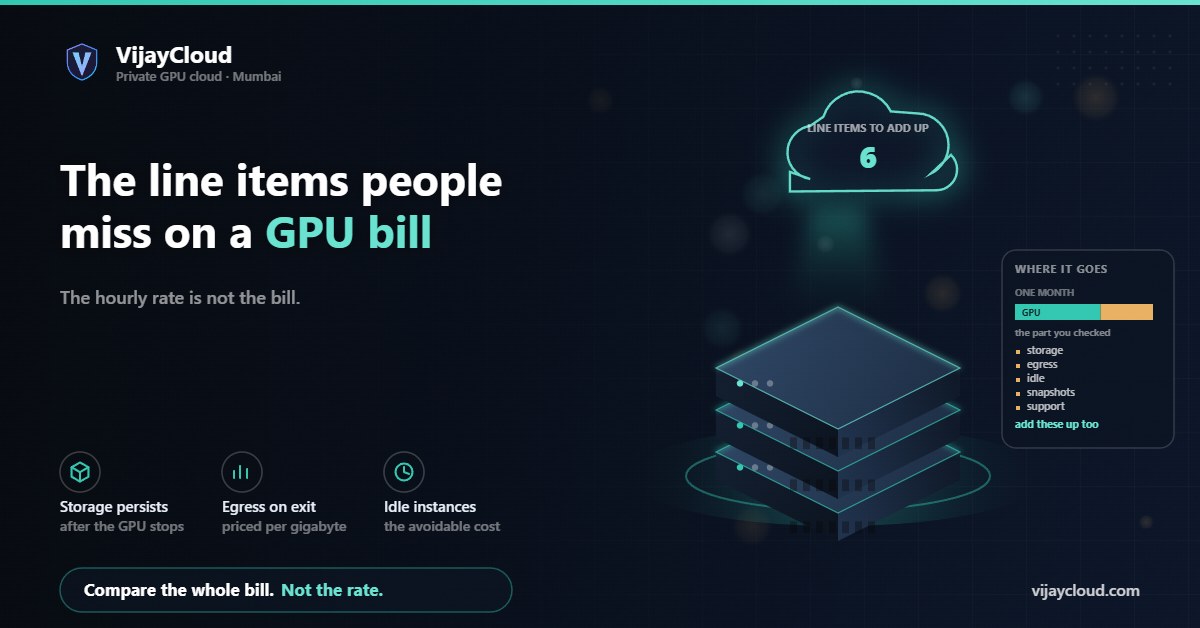
Compare the whole bill, not the headline rate. The recurring surprises are storage that bills whether or not the GPU is running, egress on the way out, idle time on instances nobody stopped, snapshots and stopped instances that still cost money, and support that turns out to be a paid tier. Work out the monthly total for your actual usage pattern before you commit, and ask what happens to your data and your price if you leave.
01The hourly rate is the part you already checked
Everyone comparing GPU providers starts at the same place: cost per GPU hour. It is the number on the landing page, it is comparable across vendors, and it feels like the whole answer. It is usually somewhere between half and three quarters of what you end up paying.
That is not necessarily anybody being deceptive. A GPU instance genuinely needs storage, genuinely moves data, and genuinely sits idle sometimes, and a provider that bills those separately is being more transparent than one that folds them into a single figure. The problem is comparison. A quote with everything unbundled looks cheaper than an all-in quote even when it is not, and the only way to know is to add it up for your own usage.
So the exercise below is not about finding hidden fees. It is about building the same total for every option on your list, so the comparison means something.
02Storage does not stop when the GPU does
This is the most common surprise, and it follows from something reasonable: your data has to persist between runs, so the volume holding it stays allocated whether or not a GPU is attached to it. Stop the instance and the GPU charge stops. The disk charge continues.
Three things to establish. What is included with the instance, and is it local disk or network-attached? What does additional capacity cost per month? And is there a separate charge for input and output operations, which is common on network storage and easy to overlook because it depends on your access pattern rather than your capacity?
The IOPS question matters more than it sounds for training work. A dataloader hammering network storage generates a very large number of small reads, and on a per-operation billing model that is a real line item. It is also a performance problem in its own right, which is why local NVMe is the usual answer for training data: a starved dataloader leaves the GPU idle while you pay for both.
Also ask what happens to storage you have forgotten about. Datasets from finished experiments, old checkpoints and model weights from three versions ago accumulate quietly, and checkpoints in particular are large. A training run that saves every few hundred steps produces a lot of gigabytes that nobody deletes. Set a retention rule early, because working it out after six months means reading through directories trying to remember what mattered.
03Egress: the charge that scales with leaving
Data going out is metered by most large providers and priced per gigabyte, sometimes with a small monthly allowance. Inbound is typically free, which produces the asymmetry that makes it easy to underestimate: uploading a large dataset costs nothing, so you do not think about the direction of travel until you want something back.
What actually generates egress on a GPU workload:
- Serving responses. Every token you return to a user leaves the network. Modest per request, and it scales with exactly the thing you want to grow.
- Pulling model weights or checkpoints out. Tens of gigabytes per copy for a large model, and you tend to do it at the worst moment, which is during a migration.
- Backups to somewhere else. If your backup target is outside the provider, every backup is egress.
- Cross-region or cross-zone traffic. Often billed even though it never leaves the provider. Catches people who split a workload across zones for redundancy.
The reason to care beyond the monthly figure is leverage. A provider whose egress pricing makes it expensive to take your weights and data elsewhere has made switching costly, whether or not that was the intent. It is worth knowing the number for a full extraction before you accumulate anything, not after.
04Idle time, and who is responsible for it
On per-hour billing, an instance nobody stopped bills the same as one running a job. This is the largest avoidable cost in most GPU budgets and it does not appear as a line item, because from the provider side nothing unusual happened.
The pattern is familiar. Somebody spins up an instance for an experiment on a Thursday, the experiment finishes, the week ends. The instance runs until somebody notices. Or a notebook stays open because stopping it means losing the session state and re-running the setup cells, so it stays open for a fortnight.
Two structural fixes, neither technical. Tag every instance with an owner and an expected end date at creation, and review anything past its date weekly. And separate the interactive machine from the training machine, so the thing you keep open for convenience is not the thing with an expensive card in it.
This is also the argument for flat monthly pricing, which changes the incentive rather than the arithmetic. On a fixed monthly price idle time costs you nothing extra, so you stop policing it, and the budgeting question becomes whether you need the instance at all rather than how many hours it ran. Whether that suits you depends on your pattern: steady work benefits, genuinely bursty work with long gaps may not. Our pricing page sets out what each plan includes so you can run this comparison against us as well.
05Snapshots, images and stopped instances
Several things carry on billing after you believe you have turned them off.
| Item | Why it persists |
|---|---|
| Snapshots | A point-in-time disk copy, stored and billed separately from the volume it came from |
| Custom images | Your configured environment, kept so you can launch from it again |
| Stopped instance volumes | Root disk is preserved so the instance can restart, and preservation is storage |
| Reserved IP addresses | Often billed specifically when not attached to a running instance |
| Orphaned volumes | Disks that outlived the instance they were attached to and were never deleted |
None of these is large individually. They are worth knowing about because they are cumulative and invisible: nothing in your workflow ever brings you back to a snapshot you took in March. If your provider has a console list of volumes and snapshots, look at it once a quarter. Most people find something.
06Support, commitments and what leaving costs
Ask whether support is included and what response time comes with it. On several large platforms, technical support beyond documentation and community forums is a paid add-on priced as a percentage of spend or a monthly minimum. That is a legitimate model, but it needs to be in the comparison, and it needs to be in the comparison at the tier you would actually buy: the free tier often excludes anything with a response-time commitment, which is precisely what you want when a training run is failing.
Then the commitment terms. Discounts for one or three year reservations are substantial and they are a bet on your own requirements being stable, which for AI infrastructure in 2026 is a strong assumption. Read what happens if you need to change: can you modify the instance type, is the commitment transferable, what is the exit cost?
And the questions that are not about money directly but decide what your options are later. What notice is required to cancel? What happens to your data on termination, and how long do you have to retrieve it? Is there a documented deletion process, and can you get confirmation that deletion happened, which you will need if you have data protection obligations of your own? Our commitments on this are in the Terms and the Privacy Policy; whoever you are evaluating, get the equivalent in writing rather than from a sales conversation.
07How to compare two quotes fairly
Build the same monthly total for each option using your own numbers rather than a generic profile. The inputs you need: GPU hours you expect to run, storage you need resident, data leaving per month, and the support tier you would actually buy.
- GPU cost for your expected hours, including the idle hours you realistically will not catch.
- Storage per month for datasets, checkpoints and model weights, at the capacity you will reach in six months rather than today.
- Egress for serving traffic plus whatever you move out for backups.
- Snapshots and images you intend to keep.
- Support at the tier that includes a response-time commitment.
- One-off cost of a full extraction, as a measure of what leaving would cost.
Then run the same total for a fixed monthly price. Fixed pricing loses when your usage is genuinely low and sporadic, and wins when it is steady or when the cost of policing usage is itself a burden. Either way you now have two comparable numbers instead of two hourly rates.
If you want help building that comparison, including against us, email contact@vijaycloud.com with your usage pattern. We will tell you where a metered provider works out cheaper for your shape of work, because a customer who has done this arithmetic properly is a better customer than one who has not.