Guide
Choosing a serving stack
The software in front of your model decides your concurrency, your latency and how much of the card you actually use. It matters more than most model choices, and it is usually picked by accident.
- Topic
- Inference tooling
- Reading
- About 8 minutes
- Published
- 1 August 2026
- Applies to
- All plans, Medusa
Contents
The short version
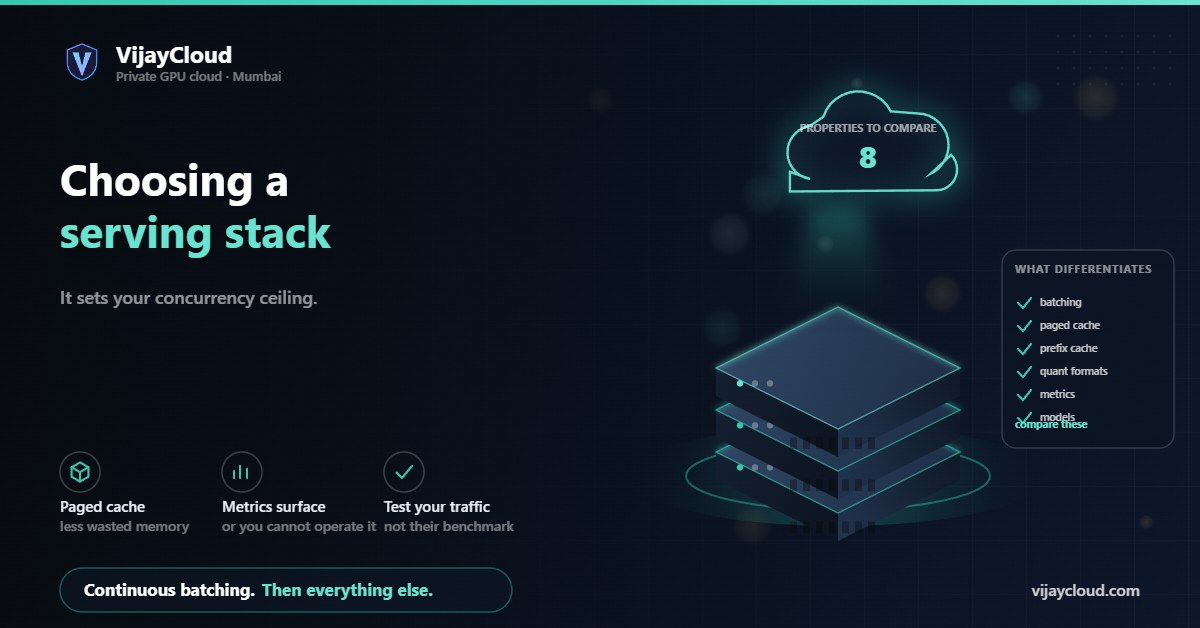
The differentiating properties are continuous batching, paged cache management, quantisation format support and operational maturity. Match those to whether you are prototyping, serving interactive traffic, or running batch work. Verify current capabilities against documentation rather than articles, including this one.
01Picked by accident
Most teams choose a serving stack by following whichever tutorial they found first, then keep it because migrating feels expensive. That is understandable and worth revisiting, because the stack sets ceilings the model cannot overcome.
Two implementations of the same model on the same card can differ several-fold in concurrent users supported, because memory management and batching strategy differ. No amount of model tuning recovers that.
We are deliberately not ranking named tools here. This space moves quickly enough that a ranking would be stale within months, and a stale recommendation is worse than none. What is stable is the set of properties to compare.
02What a serving stack does
Four jobs, and stacks differ in how well they do each.
- Loads and places weights, including quantised formats and splitting across cards.
- Manages the KV cache — allocation, eviction, reuse. The largest source of difference between stacks, and why cache behaviour deserves its own article.
- Schedules requests — batching strategy, queueing, preemption.
- Exposes an API and the operational surface around it: metrics, health, streaming.
A stack that does the first well and the second poorly will load your model successfully and then serve very few users — a confusing failure, because nothing errors.
03The properties that differentiate
| Property | Why it matters |
|---|---|
| Continuous batching | Improves throughput and latency together; the most consequential single feature |
| Paged cache allocation | Blocks rather than contiguous reservations; large reduction in wasted memory |
| Prefix caching | Reuses prefill for shared prompt prefixes; a big win with long system prompts |
| Quantisation formats supported | A format your server cannot load is not an option for you |
| Cache quantisation | Often more valuable than weight quantisation for concurrency |
| Multi-GPU support | Only matters if you will use more than one card |
| Metrics exposed | Decides whether you can diagnose anything in production |
| Model coverage | New architectures are supported at different speeds across stacks |
Check each against current documentation for the version you would deploy. Capabilities change quickly, and the honest recommendation is to verify rather than trust any summary, this one included.
04Rough fit by situation
Without naming tools, the shape of the right answer differs by what you are doing.
Prototyping and internal use. Optimise for setup time and model coverage. Concurrency is irrelevant with three users, and a stack you can run in one command beats one that serves forty people. Do not carry this choice into production by default.
Interactive production traffic. Continuous batching, paged cache and prefix caching are close to requirements. Metrics matter, because you will need to diagnose latency percentiles rather than guess.
Batch and offline work. Latency does not matter, so optimise purely for throughput: large batches, aggressive memory use, no streaming. A stack that is wrong for interactive serving can be ideal here.
Constrained hardware. On a 16 GB card, quantisation format support and cache quantisation matter more than scheduling sophistication, because your binding constraint is memory rather than compute.
05Things that bite three months in
Four problems that do not appear during evaluation and reliably appear later.
A model you want is unsupported. Architecture support varies, and being blocked on a stack’s release cycle is a real cost when a model you need has landed elsewhere.
Quantised weights in the wrong format. You quantise a model, then discover your server cannot load that format. Check compatibility before spending the GPU hours.
No usable metrics. Everything works until it does not, and then you cannot see queue depth, cache occupancy or per-phase latency. This is the failure that makes incidents last days instead of hours.
Memory fragmentation over long uptime. A server stable for hours can degrade over weeks as allocation patterns fragment. Test the uptime you intend to run.
06A selection procedure
- Write down which you are optimising — interactive latency or batch throughput. Skipping this is how teams end up with a stack that is wrong for their product.
- List the models you need now and plausibly next. Eliminate stacks that do not support them.
- Confirm quantisation compatibility for the formats you intend to use, in both weights and cache.
- Require continuous batching and paged cache for anything production-facing.
- Check the metrics surface against the four signals in what to monitor. If you cannot see them, you cannot operate it.
- Load-test with your own traffic shape — real prompt lengths, real concurrency, real output lengths. Published benchmarks were measured on someone else’s workload.
That last step is what a dedicated card makes straightforward: hold two stacks, serve the same model, compare against identical traffic without another tenant distorting the result.
If you would like help designing that comparison: contact@vijaycloud.com.
Leave a Reply