Guide
RTX 16 GB or A100 40 GB: which one does your fine-tune actually need?
The honest answer is usually decided by VRAM, not by compute. Here is how to work it out before you commit to a month.
- Topic
- GPU selection
- Reading
- About 6 minutes
- Published
- 31 July 2026
- Applies to
- Starter, Professional
Contents
The short version
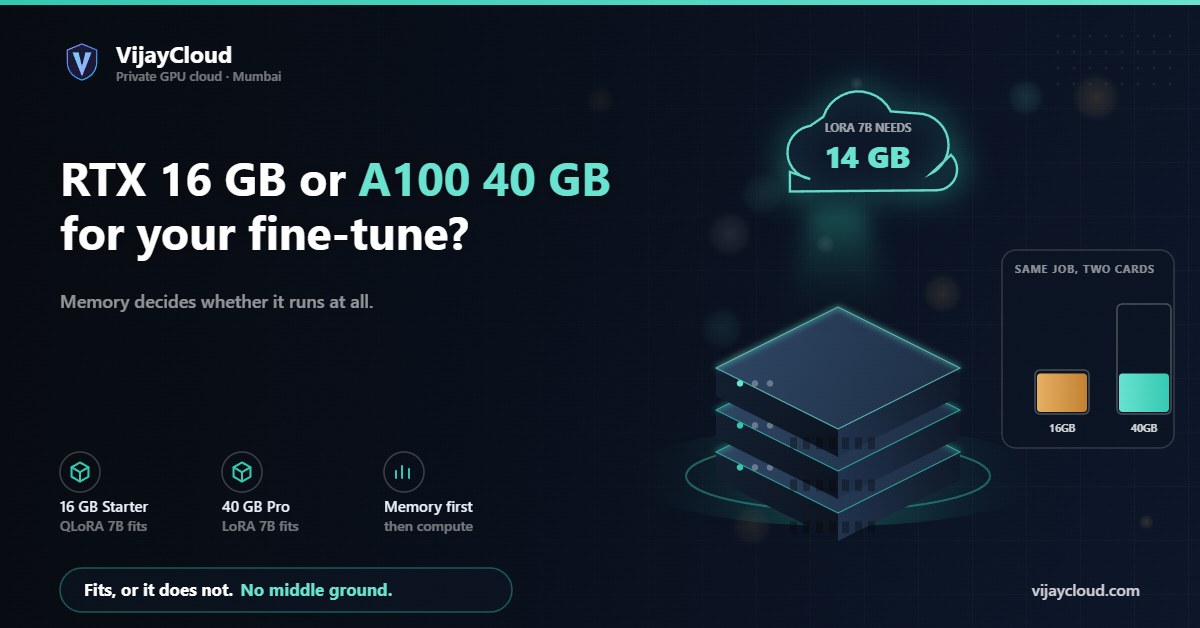
If you are doing LoRA or QLoRA on a model up to roughly 7–8 billion parameters, 16 GB is usually workable. Full fine-tuning at that size, or any parameter-efficient work on a 13B+ model, wants the 40 GB card. Compute affects how long it takes; memory decides whether it runs at all.
01Start with memory, not FLOPS
People pick GPUs by looking at throughput charts. In practice the first question is much blunter: does the job fit? A training step has to hold the weights, the gradients, the optimizer state and the activations at the same time. Run out of room and you do not get a slow job, you get an out-of-memory error.
Compute determines cost per experiment. Memory determines whether the experiment is possible. Sort out the second before you shop on the first.
02A rough memory budget
For full fine-tuning in mixed precision with Adam, a useful back-of-envelope is that each parameter costs roughly 16 bytes once you count the half-precision weights, the gradients and the two optimizer moments in fp32. That is about 16 GB per billion parameters before you have stored a single activation.
Which is why full fine-tuning of a 7B model does not fit on a 40 GB card, let alone a 16 GB one.
Parameter-efficient methods change the arithmetic completely. With LoRA you freeze the base weights, so gradients and optimizer state exist only for the adapters — a small fraction of the total. With QLoRA you also quantise the frozen base to 4-bit, which roughly quarters the weight footprint. A 7B model that was impossible becomes comfortable.
03When 16 GB is genuinely enough
- QLoRA on 7B-class models. Fits with room for a reasonable sequence length and batch size.
- LoRA on models up to about 3B. Comfortable.
- Inference and serving of quantised models. A 4-bit 7B model serves happily in 16 GB with room for KV cache.
- Diffusion fine-tuning at ordinary resolutions. Generally fine.
- Everything before the real run. Data pipeline work, tokenisation, evaluation harnesses, debugging your training loop. This is where a lot of time actually goes, and paying A100 rates for it is waste.
04When you want the 40 GB card
- LoRA on 13B and above. The frozen base alone gets awkward in 16 GB.
- Full fine-tuning of small models. A 1–2B model fully fine-tuned needs the headroom.
- Long sequences. Activation memory grows with sequence length, and attention grows faster than linearly without a memory-efficient implementation. Long-context work eats VRAM regardless of model size.
- Larger batches for stability. If gradient accumulation is hurting your throughput, more memory buys back real time.
- Anything you plan to run for weeks. Being close to the memory ceiling means a single long sample or a slightly bigger batch kills a run you have been babysitting.
05Things that are not the GPU
Two failure modes look like a slow GPU and are not.
Dataloading. If your dataset does not fit in page cache and your storage is slow, the GPU sits idle waiting for batches. Utilisation looks fine in aggregate and terrible per step. Both our plans use local NVMe for exactly this reason — 500 GB on Starter, 2 TB on Professional.
Sharing. On a time-sliced or oversubscribed instance your throughput depends on what your neighbours are doing, which makes benchmarking meaningless and makes the same job take different times on different days. When a plan here says one A100, it is one A100 allocated to your instance — see Terms §3.
06How to decide without guessing
Start on Starter, run the smallest version of your real job, and watch peak memory. If you are under about 70% of VRAM at your target sequence length and batch size, stay. If you are pinned near the ceiling or already failing, move up. The 14-day guarantee exists so that getting this wrong on the first month costs you nothing.
If you would rather have the conversation than run the experiment, email contact@vijaycloud.com with your model and sequence length and we will tell you honestly which card to take — including telling you when the cheaper one is fine.